AI Image and Video Generators: Why Combined Tools Win
A practical guide to AI image and video generators: what the main tools do well, where stitching them together hurts, and when a combined platform such as Sunum.App is the better choice.
Who this guide is for, and what a generator actually does
If you are searching for AI image and video generator tools, you probably need one of a few things: a product visual, a 30-second promo, a pitch deck, a poster, or a talking presenter, and you have no photographer, editor or designer on call. This guide is for founders, marketers, consultants and small teams in that position. It is not for film directors looking for frame-level control. They already know the specialist tools and will use them directly.
A generator turns a description into a file. A text-to-image tool turns a sentence into a still. An image-to-video tool animates that still for a few seconds. An avatar tool makes a presenter speak your script. Each does one job well. None of them knows your brand, your script, or the other tools you are using. That gap is the real subject of this article, because it is where most of the time disappears.
I will say up front where I stand. The individual tools are impressive and still improving quickly. But the headline demos hide the real cost. The cost is rarely the generation itself, which takes seconds to minutes. It is everything between the generations: exporting, re-uploading, re-prompting, matching styles and fixing what did not match.
Before and after: how a promo asset used to be made
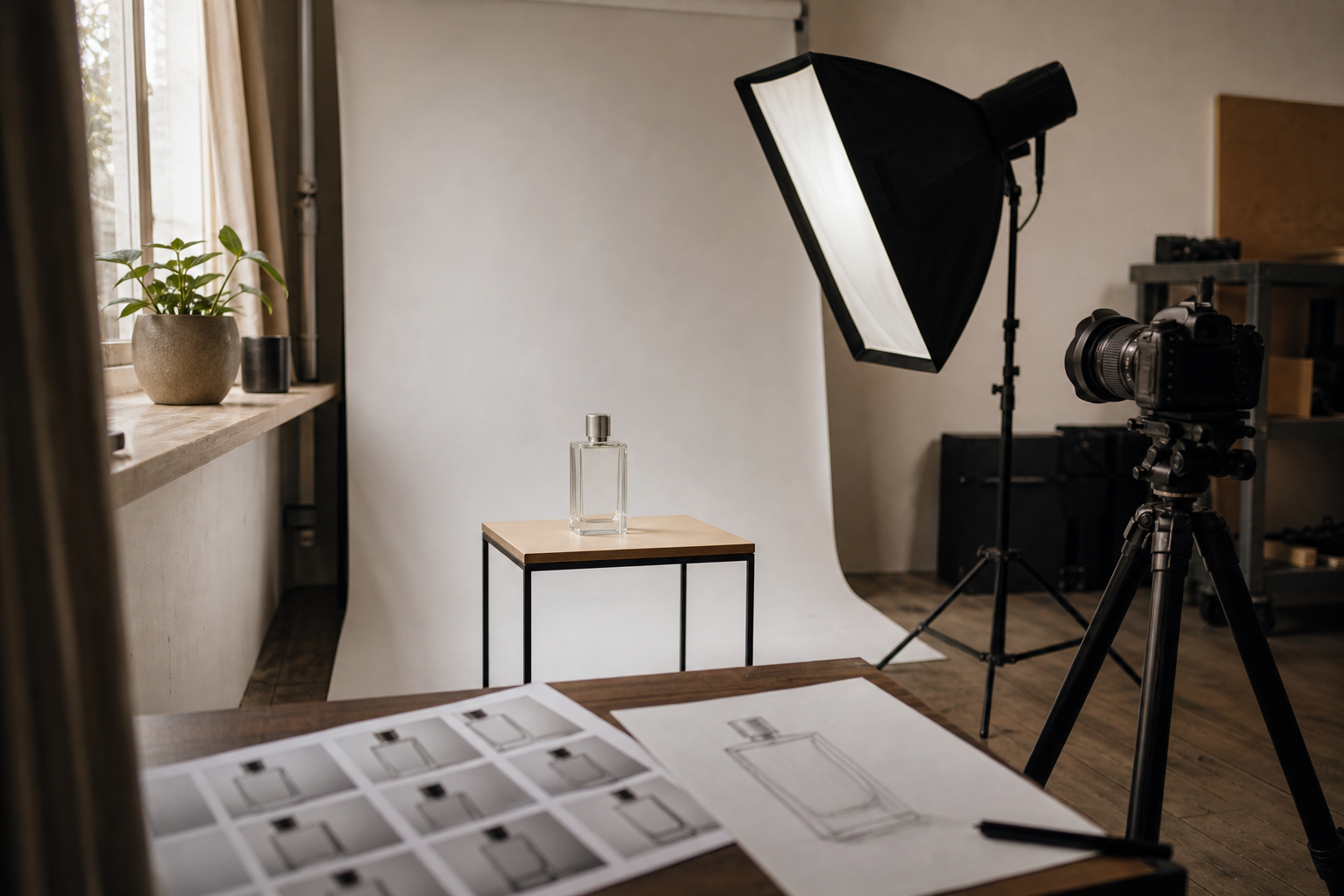
Before generators, a single branded product image meant a chain of people. You briefed a photographer, booked a studio or location, shot, picked selects, waited for retouching, and often paid again for another size or crop. A 30-second promo added a scriptwriter or at least a brief, a voice-over artist, stock footage or a shoot, and an editor who cut it all together. Each handoff had a waiting period and each revision round had a cost.
I do not have a published industry figure I would trust for the average cost of that process, and I would be wary of anyone who quotes one confidently. Rates differ enormously by country, crew size and usage rights. My own planning estimate, not a measured statistic, is that a simple promo took days to a few weeks from brief to delivery, mostly because of scheduling and review loops rather than actual work time. If you want a real number for your market, ask two or three local providers for quotes. That takes an afternoon and beats any average I could cite.
Now the same job can reach a usable first draft in an hour or an afternoon, with no studio and no shoot. That is the genuine, large change. What did not go away is the need for decisions: what the message is, who it is for, what the brand looks like. Generators removed the production bottleneck and exposed the briefing bottleneck. Teams that never wrote a clear brief used to hide behind the slow process. Now the weakness shows within minutes.
The tool landscape: real examples, strengths and limits
For still images, Midjourney is the one people mention for visual taste. Its outputs often look polished with little prompting, but it is weaker when you need exact layouts or precise text, and brand consistency takes work. ChatGPT's image generation and similar assistant-based tools follow detailed instructions and render readable text better, which suits mockups and posters. Adobe Firefly is positioned around commercially safer training data, which matters if a legal team will ask questions. Stable Diffusion and Flux-style open models give the most control and can run locally, but you pay in setup time and learning curve.
For video, Runway, Pika, Luma, Kling, Google's Veo and OpenAI's Sora are the names you will meet most. The common pattern is short clips, usually a few seconds up to about ten, that take from under a minute to several minutes to render depending on the model, length and queue. Motion and lighting can look remarkable. Hands, readable text, consistent faces across clips and long continuous scenes are still the weak points. A 30-second promo therefore means assembling several clips, not generating one.
For presenters, HeyGen, Synthesia and D-ID turn a script into a talking avatar, and ElevenLabs is a common choice for voice alone. They are quick and good for training or explainer content, but a stiff delivery can reveal the avatar within seconds on a close-up. For slides, Gamma, Beautiful.ai and Canva generate decks from an outline. Their layouts are decent, but they usually need a pass to match your brand.
On pricing, I will stay deliberately vague, because plans and credit systems change often. Most of these tools offer a limited free tier or a small credit allowance, and paid plans typically start around the cost of a streaming subscription and rise sharply with heavy video use, since video credits burn much faster than image credits. Check each pricing page on the day you decide, and count credits per finished minute, not per month.
- •Still images: Midjourney (aesthetics), ChatGPT-style image tools (instruction following, text), Adobe Firefly (licensing positioning), Stable Diffusion/Flux (control, setup effort)
- •Image-to-video and text-to-video: Runway, Pika, Luma, Kling, Veo, Sora (short clips, minutes to render, continuity is the weak spot)
- •Avatars and voice: HeyGen, Synthesia, D-ID, ElevenLabs (fast presenters, limited expressiveness)
- •Presentations: Gamma, Beautiful.ai, Canva (quick drafts, brand cleanup needed)
Step by step: making a 30-second promo with separate tools
Step 1 is the script, and it sets the length. A comfortable speaking pace is roughly 130 to 160 words per minute, so 30 seconds of voice-over is about 65 to 80 words. That is a guideline, not a rule. Slower, more dramatic reads need fewer words. Example: for a coffee subscription, write one hook line, two benefit lines and one call to action, then count the words before you generate anything.
Step 2 is a shot list of four to six scenes, each with a one-sentence description and a fixed visual rule such as warm light, a wooden table, no people. Step 3 is generating stills for each scene, ideally from one tool with the same style wording repeated. Step 4 is animating each still for a few seconds in an image-to-video tool. Starting from stills is usually more controllable than text-to-video, because you have already approved the look.
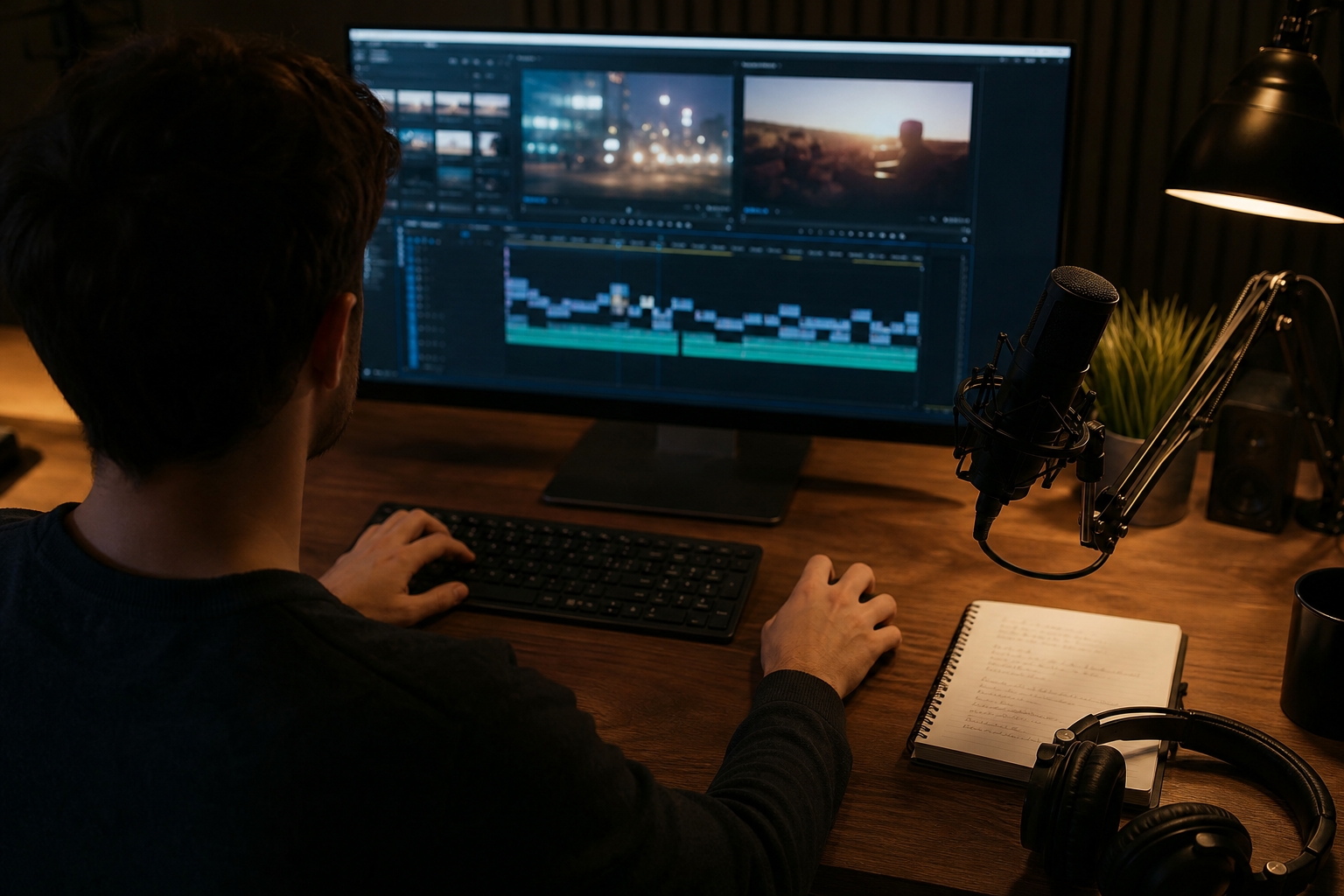
Step 5 is the voice or avatar, generated from the approved script. Step 6 is assembly in an editor: place clips, lay the voice, add music and captions, export. Step 7 is reformatting, since a vertical social version and a widescreen version mean re-cutting or at least re-framing. Done carefully, this works. It is also seven steps, usually in four or five different tools.
Stitched versus combined: what the difference looks like in practice
Here is the part that actually annoys me about the stitched workflow: style drift. You generate scene one, love it, then scene four comes out with a different color temperature, a different-looking cup, a slightly different logo. Each tool interprets your prompt a little differently, and no tool remembers what the last one produced. You end up pasting the same brand description into five prompt boxes and still fixing mismatches by hand. It is the single most common reason a stitched promo looks like a collage.
To make the comparison concrete, here are my planning estimates for one 30-second promo with a voice-over and a vertical version. They are illustrative, not measured benchmarks. Stitched: about four to six tools, on the order of 20 to 40 files to track (stills, clips, audio, exports), and typically two to four rework rounds, mostly for consistency and timing. Combined in one platform: one tool, a handful of files, and the rework is more often about wording than about matching assets. Your numbers will vary with scene count and how picky you are.
A small illustrative scenario: a founder needs a launch promo and a matching three-slide investor update. Stitched, she builds the brand look in an image tool, animates in a video tool, records with an avatar app, builds slides in a deck tool and then re-explains the brand to each of them. Combined, she describes the brand once and asks for each deliverable from that same description. The saving is not that generation is faster. It is that she stops being the integration layer between tools that cannot talk to each other.
Where Sunum.App fits: the combine argument, concretely
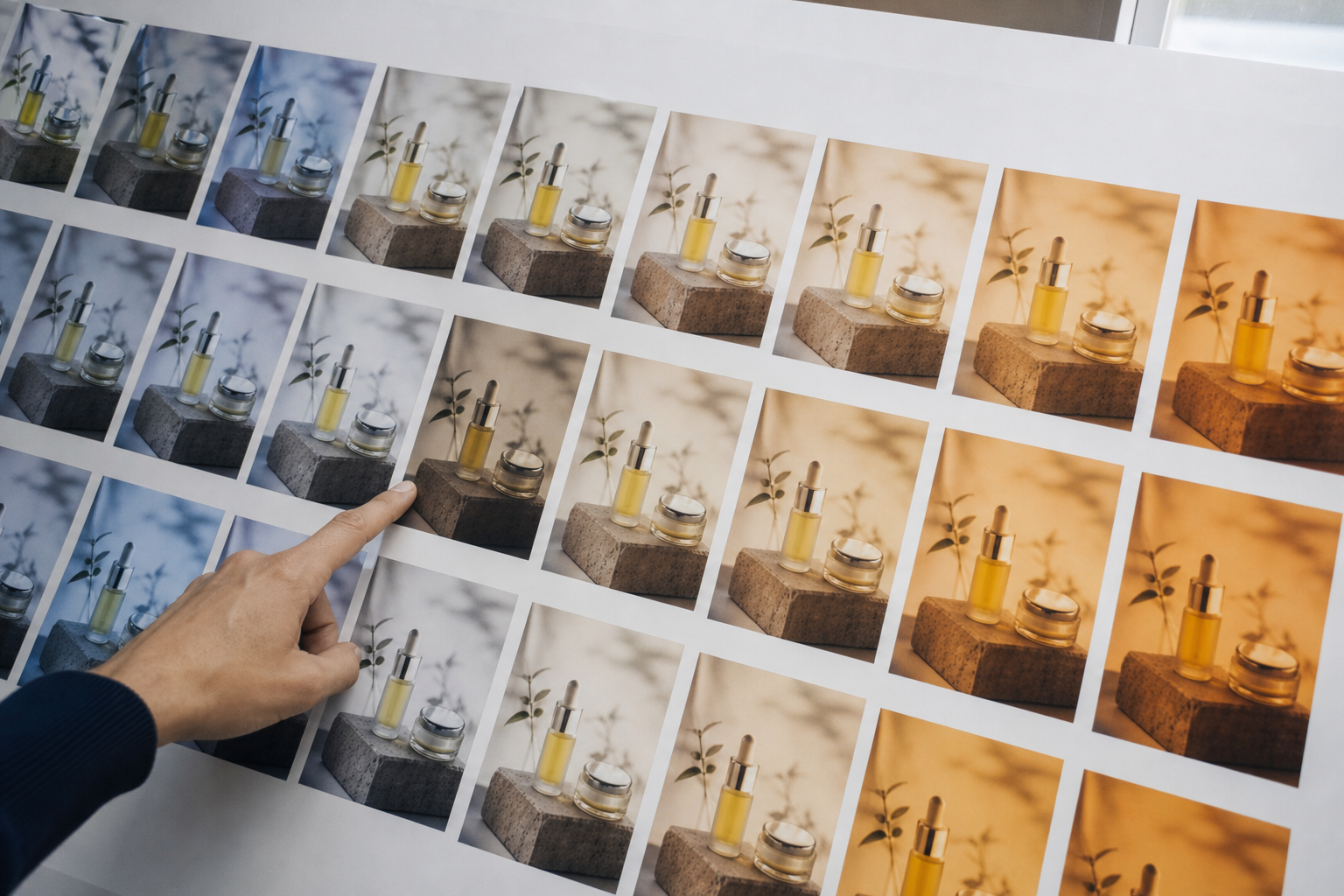
Sunum.App is built around that integration problem. It uses AI to produce ad films, promo videos, presentations, presentation videos, posters and company profile documents from one place. The mechanism that holds this together is the Brand Profile: you introduce your brand once, meaning who you are, what you offer and how you want to come across, and that information is the reference for what gets produced. Introducing your brand is free. That is why a promo, a poster and a company profile document can look like they came from the same company, rather than from three separate prompting sessions.
What you get back is a finished deliverable of the type you chose: a video, a deck, a poster or a document, instead of a pile of clips and stills to assemble. If you want a presenter, AI Portrait produces a talking portrait, and the first one is free. Sunum.App+ is the paid tier for more production. I will not quote a generation time for the products, because it depends on the type, length and current load. Treat any tool that promises a precise time with some suspicion, including this one.
I would not call it better than every specialist at its one task. A dedicated image model may give a more distinctive single picture, and a dedicated video model may give more cinematic control over one shot. The honest claim is narrower: when your real need is a set of consistent, on-brand assets across several formats, avoiding the stitching saves more time than a marginally better single frame.
When it does NOT work
Combined platforms are the wrong tool when you need exact control. If you are matching a specific actor, recreating a real location shot for shot, or doing a hero campaign where one frame must be perfect, use specialist generators or a real shoot. The same applies to legally sensitive content: medical claims, financial promises and real people's likenesses need human review and, often, real footage and written consent.
No generator, combined or not, fixes a missing message. If you cannot say in one sentence what the viewer should do after watching, the output will be polished and pointless. Likewise, if your product is physical and customers care about exact texture, size or color, AI imagery can mislead, so show real photos of it. I would rather you ship a plain real photo than a gorgeous image of a product that does not exist.
Finally, expect imperfections: small text errors, odd hands, stiff avatar delivery and clips that end abruptly. These are less visible in a 15-second social clip than in a long presentation video, so match the format to what the technology does reliably today.
Common mistakes and a short pre-publish checklist
Most mistakes happen before generation. People start with a tool instead of a purpose, write prompts that describe aesthetics but not the audience, and approve the first output because it looks impressive. The second common mistake is judging on a laptop screen. Watch the result on a phone, with sound on and then off, because that is where most people will see it. A third is skipping a rights check on music, fonts and reference images, assuming that anything generated is automatically safe to use commercially. Read each tool's terms for commercial use.
Use this list right before you publish, and treat it as a gate, not a reminder to think about quality in general:
- •I can state the single action I want the viewer to take.
- •The voice-over word count fits the length (roughly 65 to 80 words per 30 seconds).
- •Colors, logo and product look the same in every scene.
- •Names, prices, dates and claims are checked by a human.
- •The file plays correctly on a phone, with and without sound.
- •Commercial-use terms for each tool, voice and music track are confirmed.
- •A real photo is used wherever product accuracy matters.
If you would rather describe your brand once than stitch five tools together, try producing a promo video in Sunum.App. Introducing your brand with Brand Profile is free, so you can start there.
Create a promo videoRelated articles
How to write a good brief
Your one-sentence brief has the biggest influence on the quality of the result. Who it is for, what it is for, and the tone, shown through examples.
Targeted sales presentations: how to prepare a deck for a specific client
A sales deck built from the prospect's own website, with quality and cost arguments tailored to them: how to prepare it and how to review the result.
Small business promo video: what to say in 60 seconds
Hook, problem, solution, proof, call to action: the structure of a 60-second promo video and how to prepare your brand details for it.